One Simple Installer
Run the EXE, choose a folder and you’re set.
Free forever, with no trial and no time limit. Enter your email to get your download.
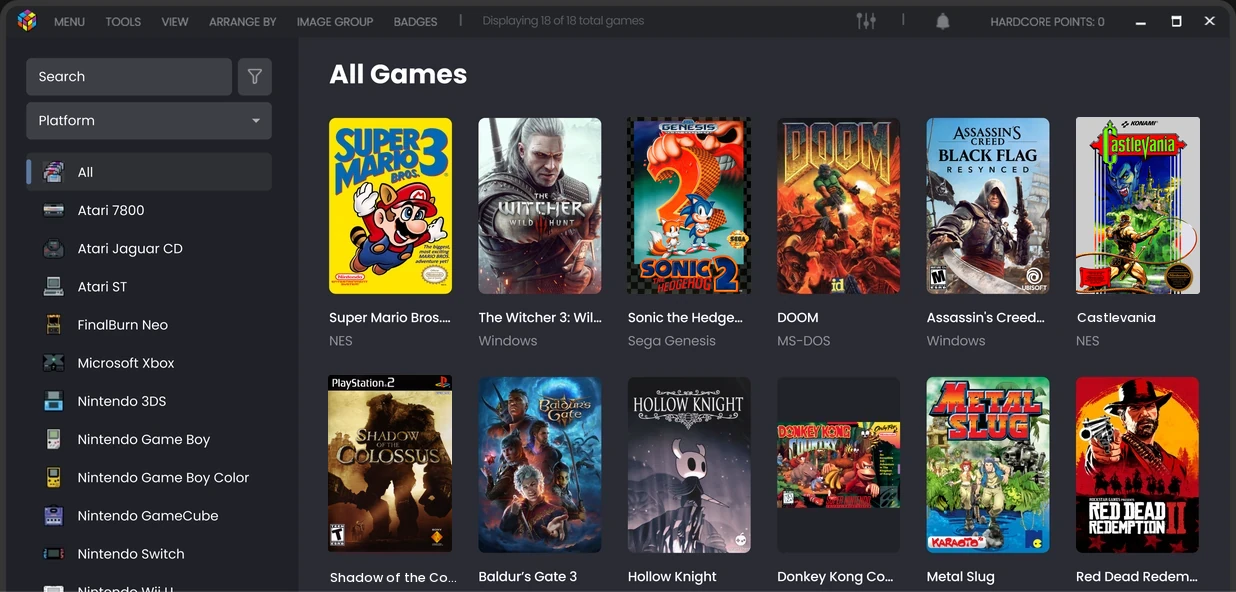
A guided setup walks you through storefronts, media and extras, one step at a time.
Run the installer and pick a folder. Shortcuts are optional.
The setup wizard imports Steam, GOG or Epic, or scans a folder of ROMs and DOS games.
Art and metadata fill in automatically, and games launch straight from the library.
Run the installer and pick a folder. Shortcuts are optional.
The setup wizard imports Steam, GOG or Epic, or scans a folder of ROMs and DOS games.
Art and metadata fill in automatically, and games launch straight from the library.
LaunchBox lives in one folder you choose, so it’s easy to move or remove.
Run the EXE, choose a folder and you’re set.
Copy the folder to move your whole setup to another PC.

Add desktop and Start menu icons if you want them.

The installer adds DirectX and .NET only if they’re missing, and nothing else.

The uninstaller in your LaunchBox folder removes files and shortcuts.

Fully supported on both.
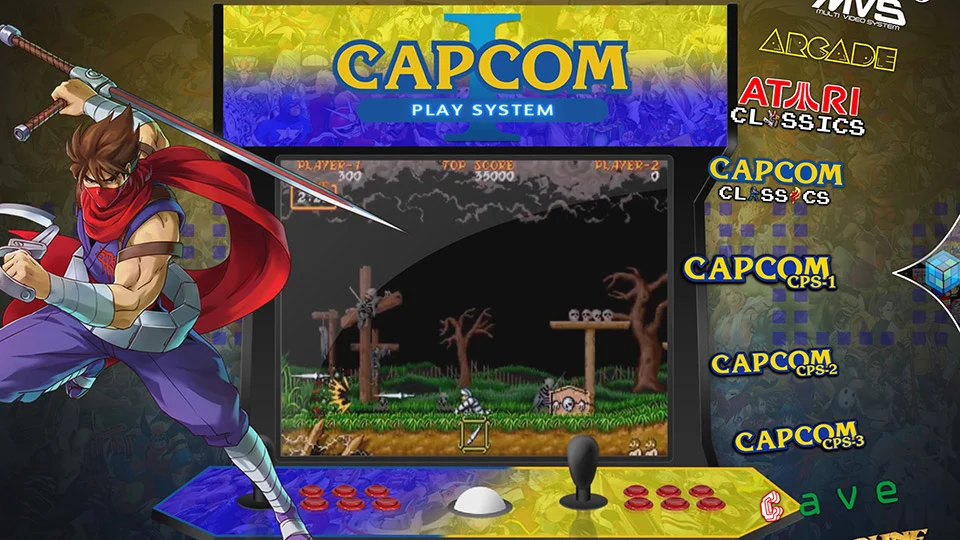
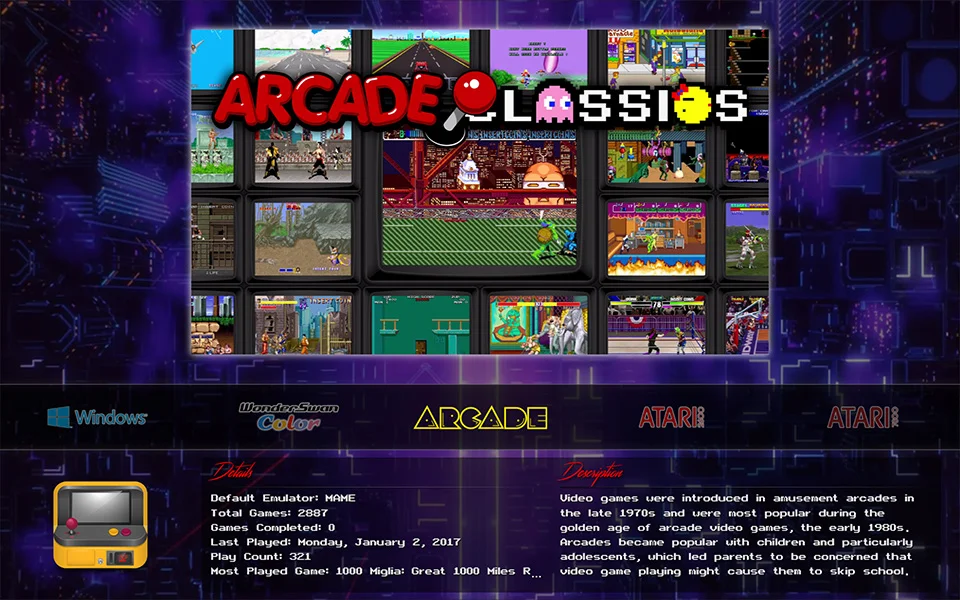
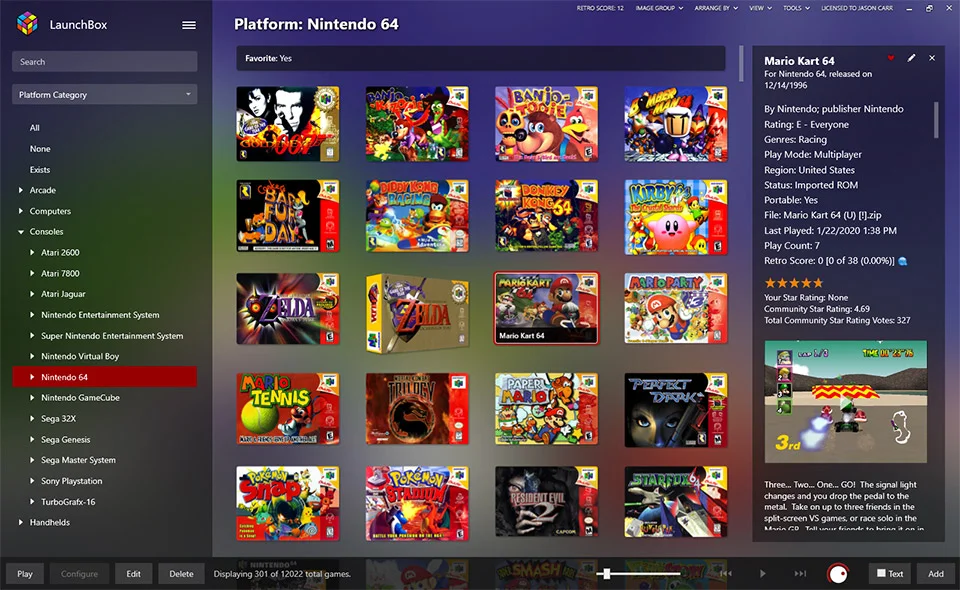
Browse on your desk, play from the couch with Big Box, restyle it all with community themes.
No Subscription
LaunchBox is free, with no trial and no time limit. Premium adds Big Box for your TV or arcade cabinet, plus themes and deeper customization.
How-to videos from the LaunchBox team on setup, emulators and Big Box.
Setup guides, fixes, community themes and plugins.
Quick questions and live help from the community.
A community add-on that starts Big Box from Kodi and returns you there.
Everything you need to get set up.
Run the installer and pick a folder. It can add desktop and Start menu shortcuts, and installs DirectX or .NET only if they’re missing.
To uninstall, run the uninstaller in your LaunchBox folder, which removes the files and shortcuts.
LaunchBox for Windows is free, with no trial and no time limit. Premium unlocks additional features.
LaunchBox for Windows is portable. When moving your library, bring your games, emulators and media with it, and update any paths that point outside your LaunchBox folder.
LaunchBox is a launcher for your own collection. Games are not included with LaunchBox or Premium.
LaunchBox is the desktop interface for organizing and launching your games. Big Box is the full-screen interface included with Windows Premium, designed for TVs, arcade cabinets and controller navigation.
Windows and Android Premium licenses are separate. Visit the pricing page to compare the available options for your platform.
 LaunchBox Setup


 This PC