




Skip to content

LaunchBox for Windows · Free Forever

Your Whole Collection in One Place

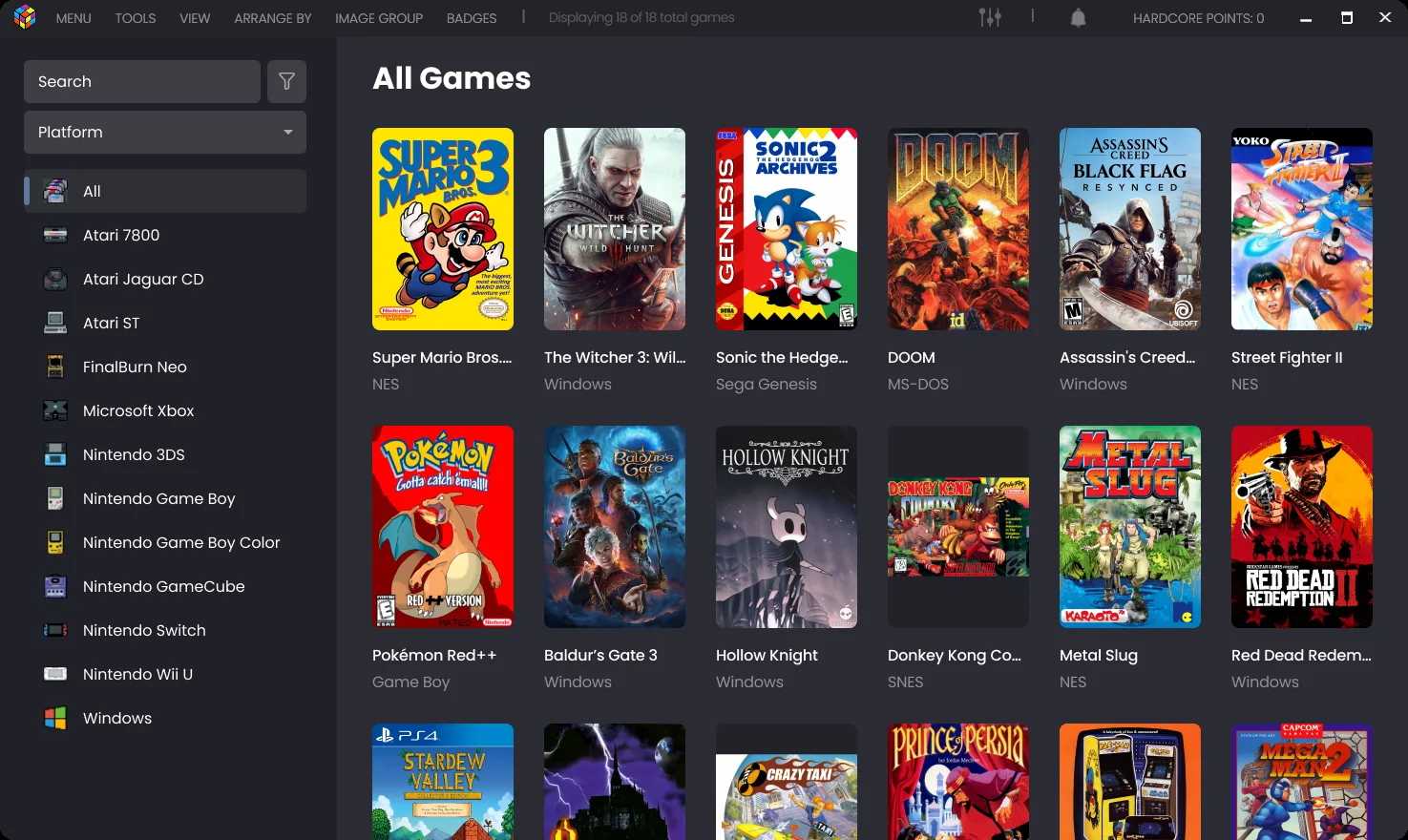
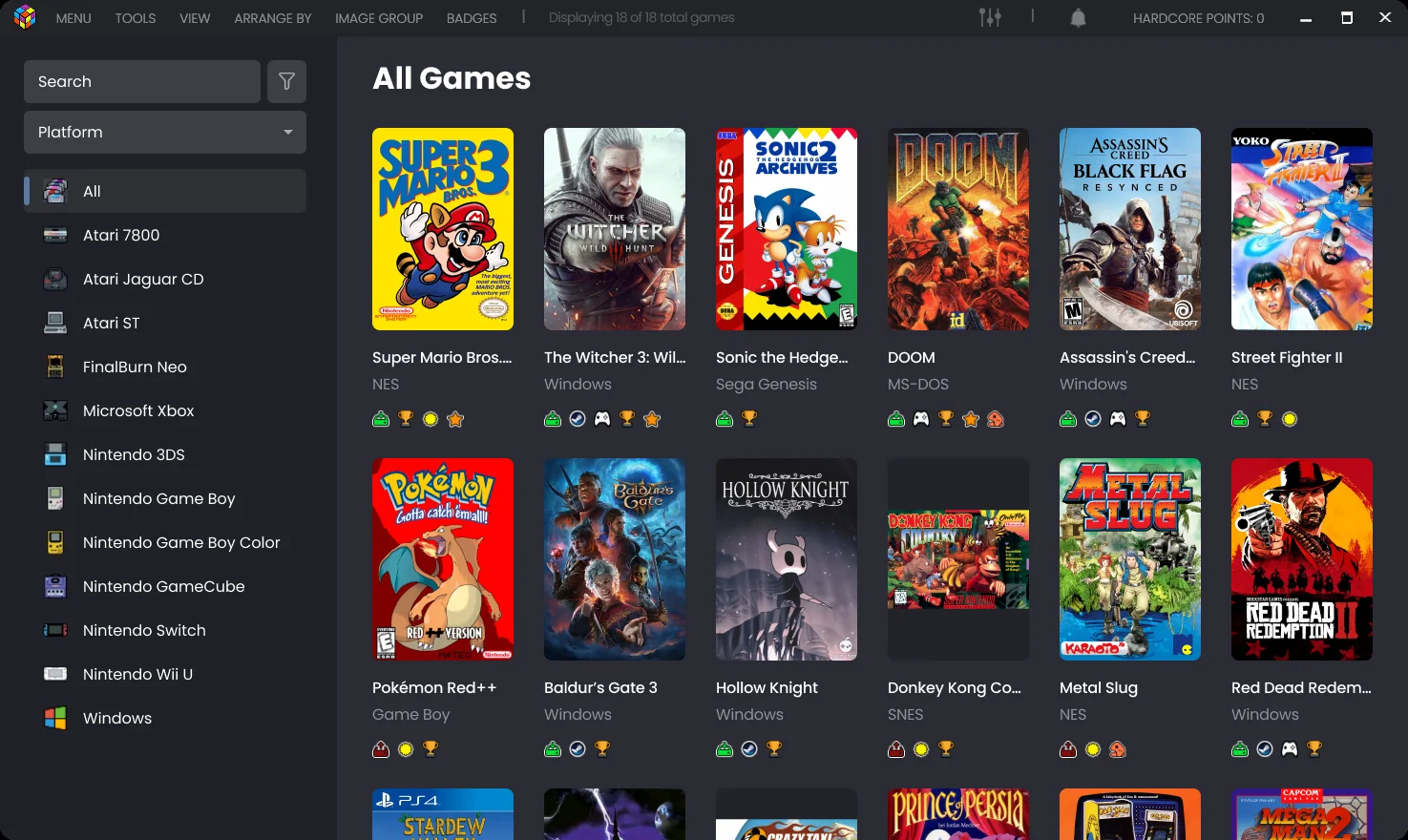
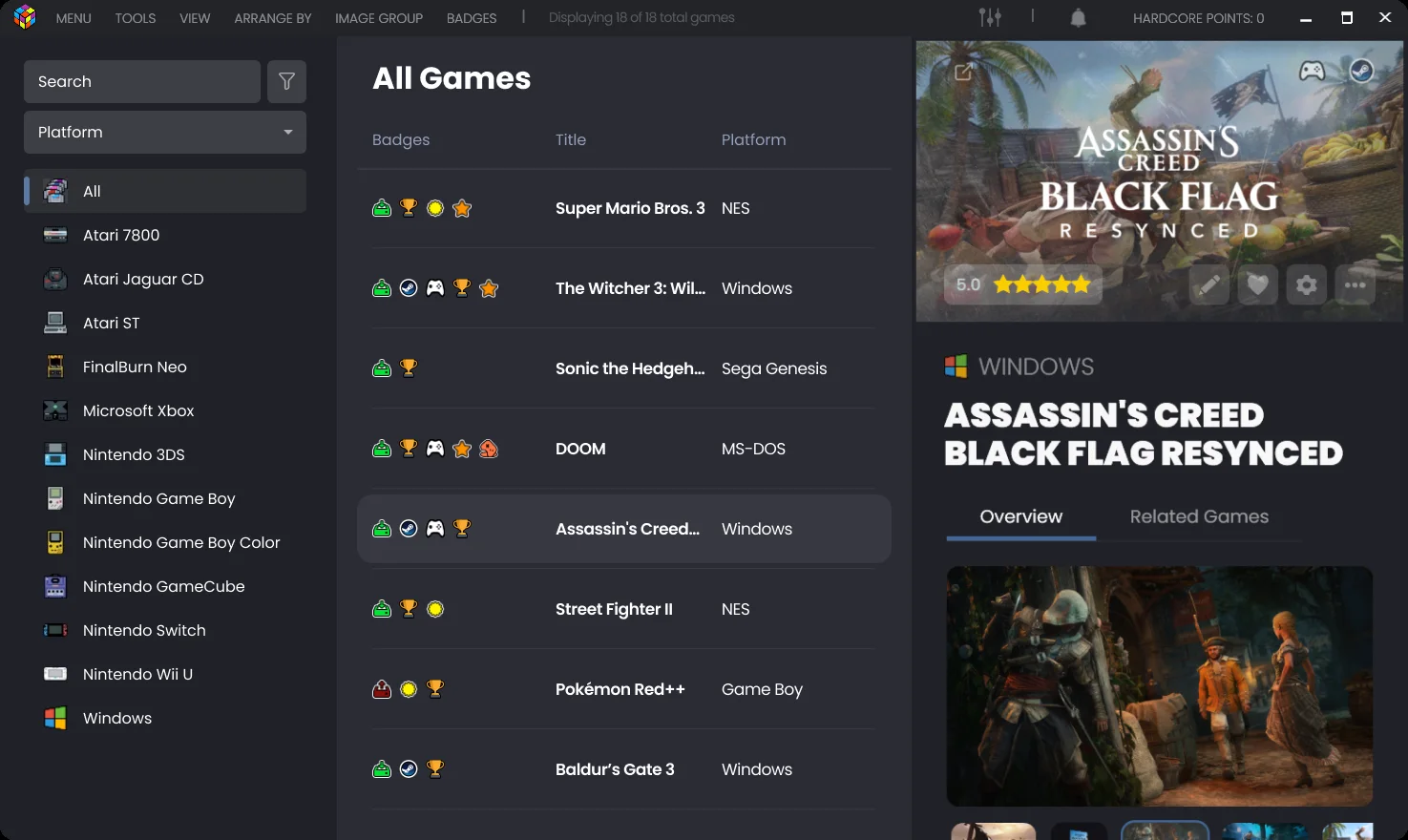
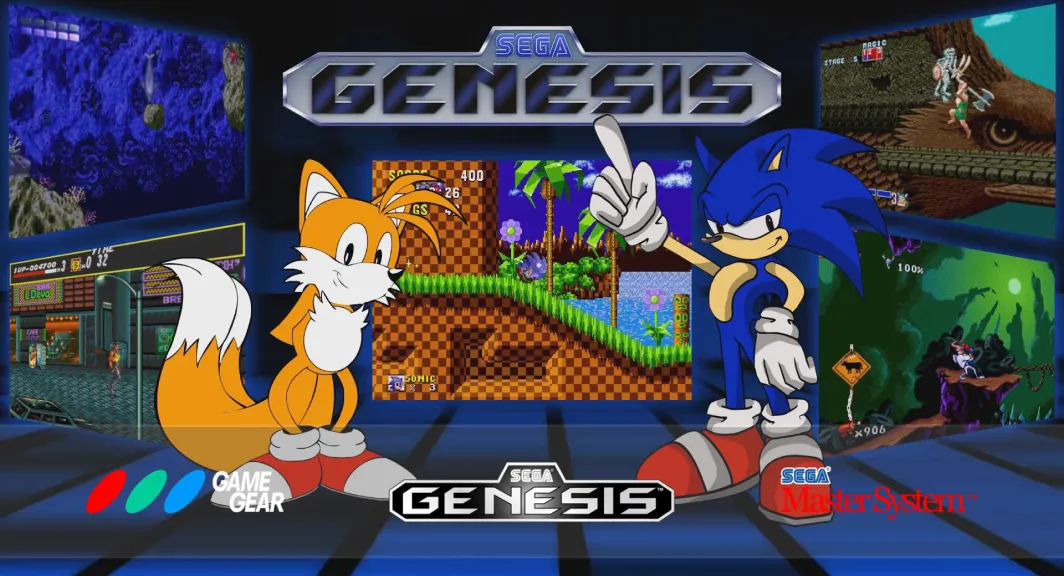
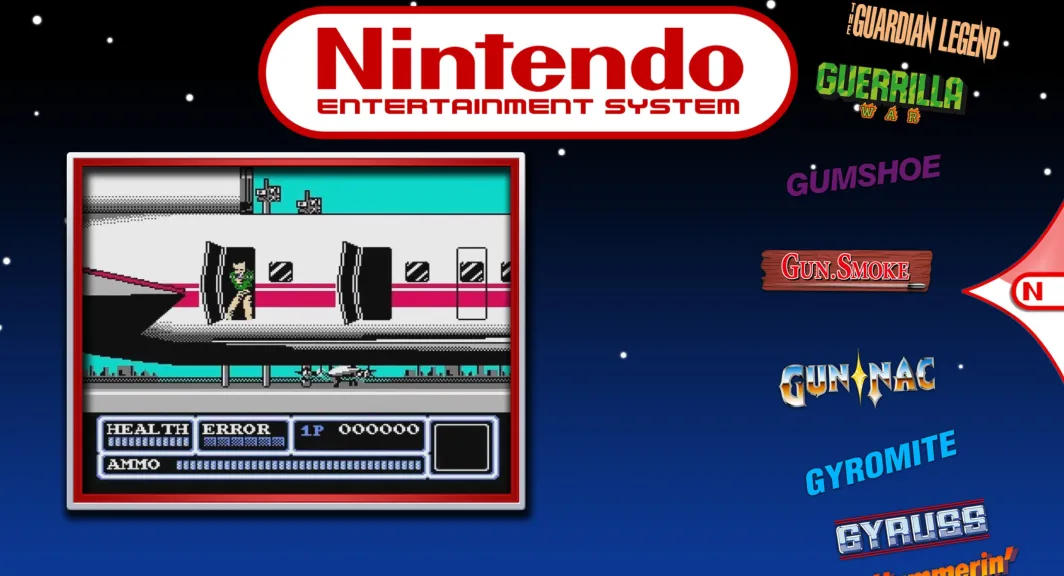
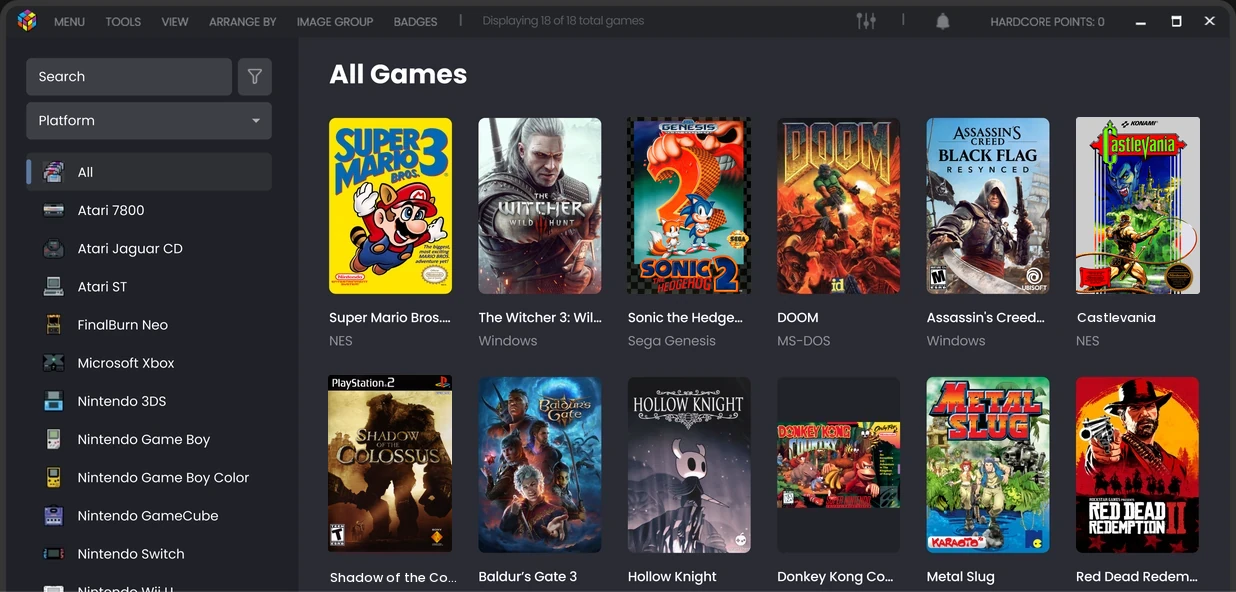
Consoles, arcade and DOS classics sit next to your Steam, GOG and Epic games, with box art and details filled in automatically.

Checking the latest release…

See What's New in LaunchBox for Windows
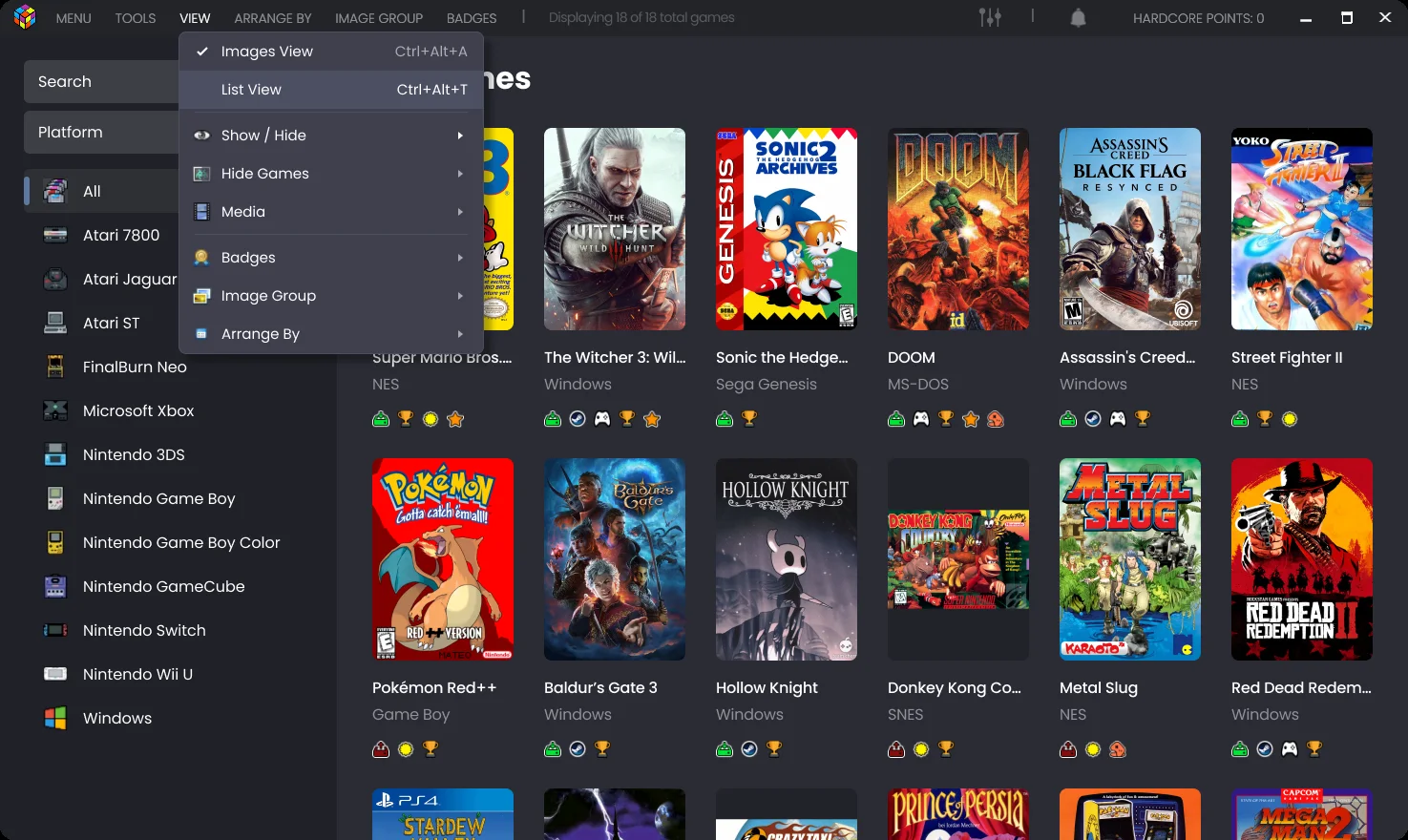
LaunchBox displaying a collection of PC and retro games with cover artwork

Built by Retro Fans to Hold Your Whole Collection

LaunchBox started as a frontend for DOSBox. Today it runs consoles, arcade, DOS and PC games with any emulator you like.

  • Any Emulator You Like

    Use RetroArch, Dolphin, PCSX2 or any emulator you add.

  • 150+ Platforms

    From Atari and NES to PlayStation and arcade.

  • Portable by Design

    Run your whole setup from any drive.

Every Store and Every Console in One Library

How to Import Your Games
  • Steam
  • Epic Games
  • GOG Galaxy
  • Xbox
  • Amazon
  • EA App
  • Ubisoft Connect
  • More via Plugins

Point It at a Folder and Watch It Come Alive

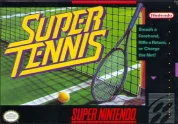
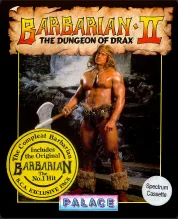
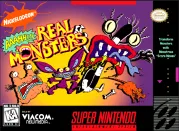
LaunchBox recognizes every game and fills in box art, logos, screenshots, video and full details from a database of 180,000+ titles, matched by platform and region.

Every Kind of Media

Box art, clear logos, fanart, screenshots and video, plus developer, genre and release date, so even a 5,000-game library stays easy to sort.

When a Fan Fixes a Game, Everyone Gets the Fix

Games DB is kept up by the community. Sign in with your LaunchBox account to add art or fix a detail, and everyone gets it.

Free

Drop In Your ROMs and
We’ll Handle the Emulators

LaunchBox suggests the right emulator, downloads it and sets it up, so all you do is press Play.

Update Everything in One Click

Keep every emulator up to date from Manage Emulators without hunting for downloads.

RetroArch & MAME Settings Inside

Set up rewind, run-ahead, upscaling, screen effects and light guns without editing config files.

Organize Your Collection Your Way

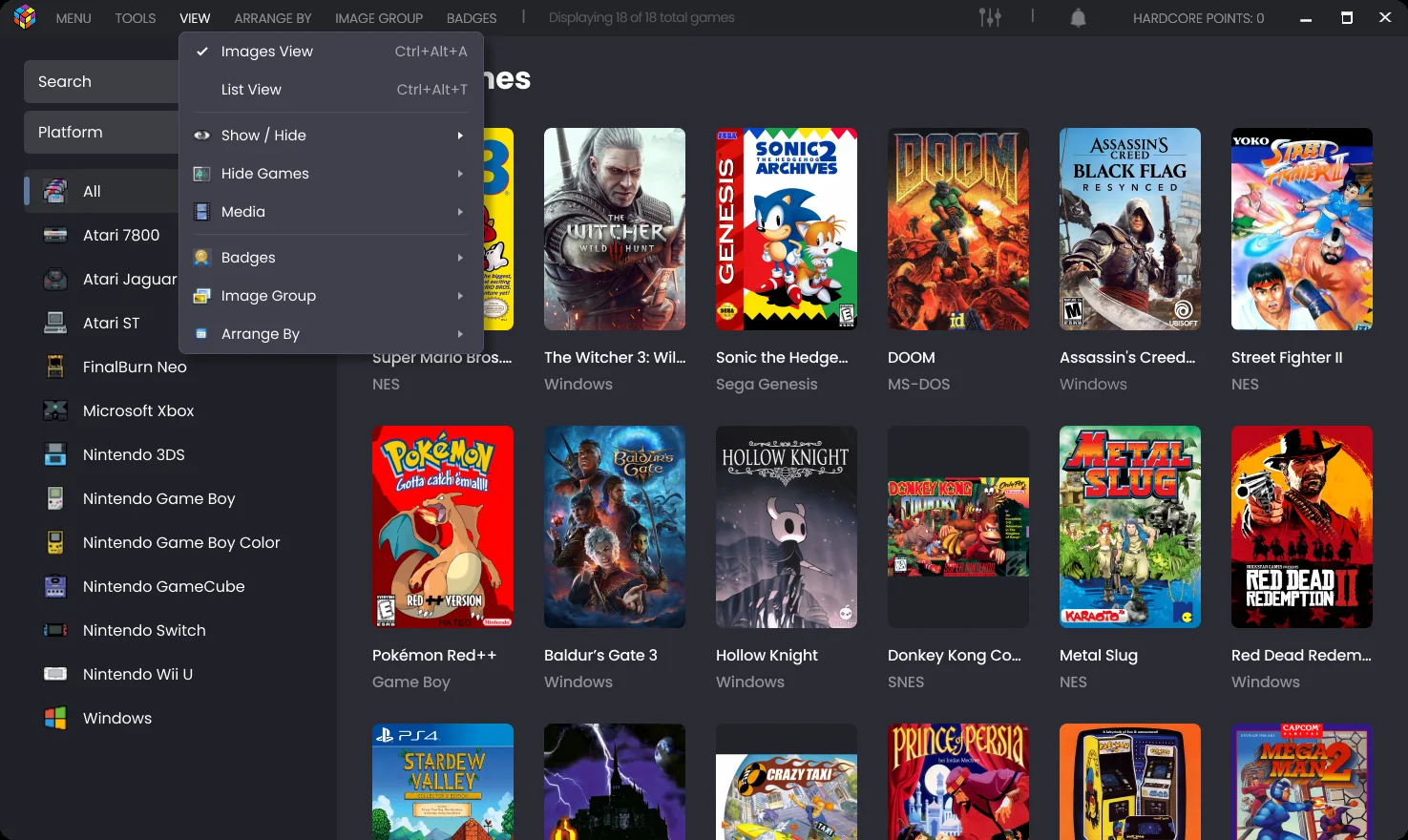
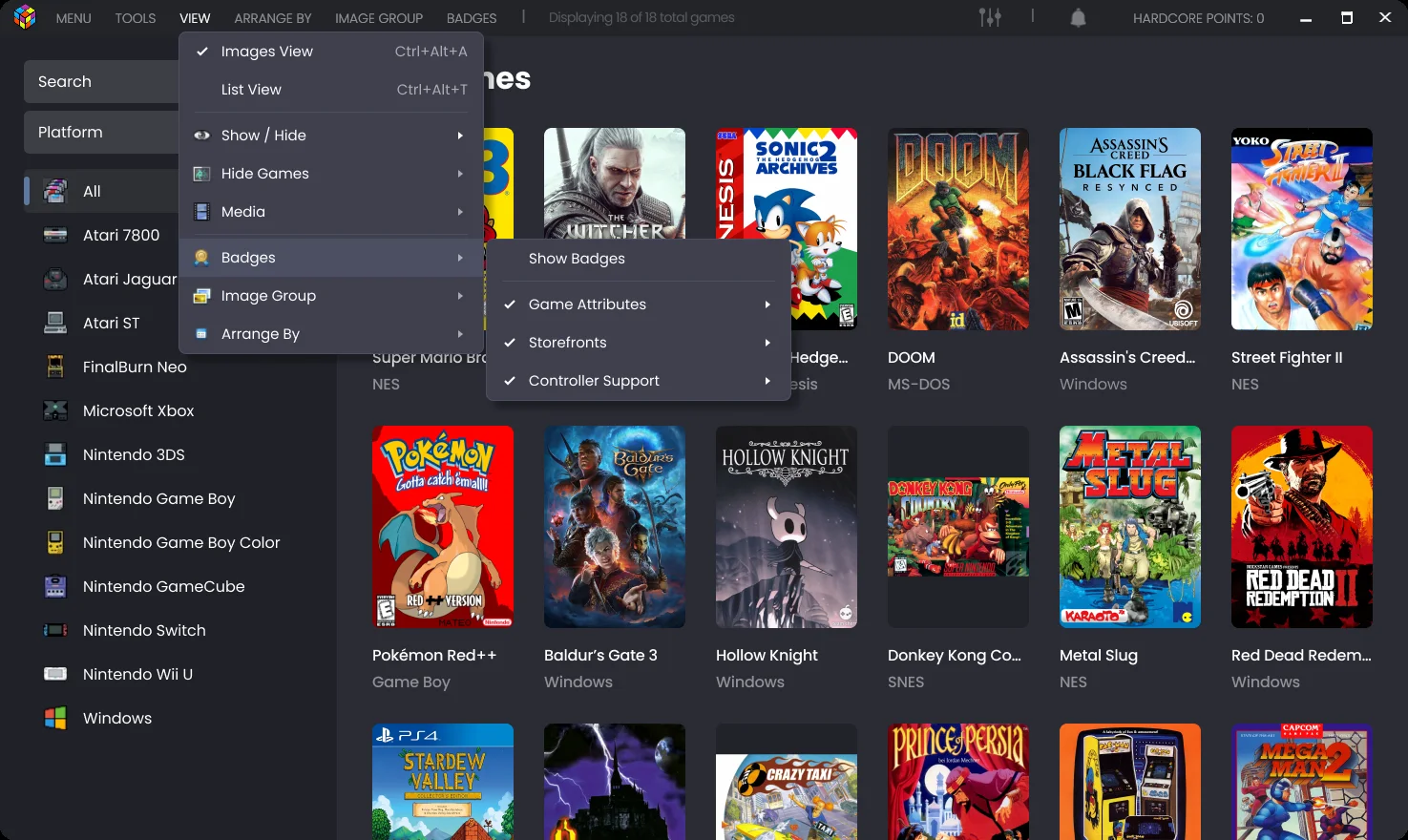
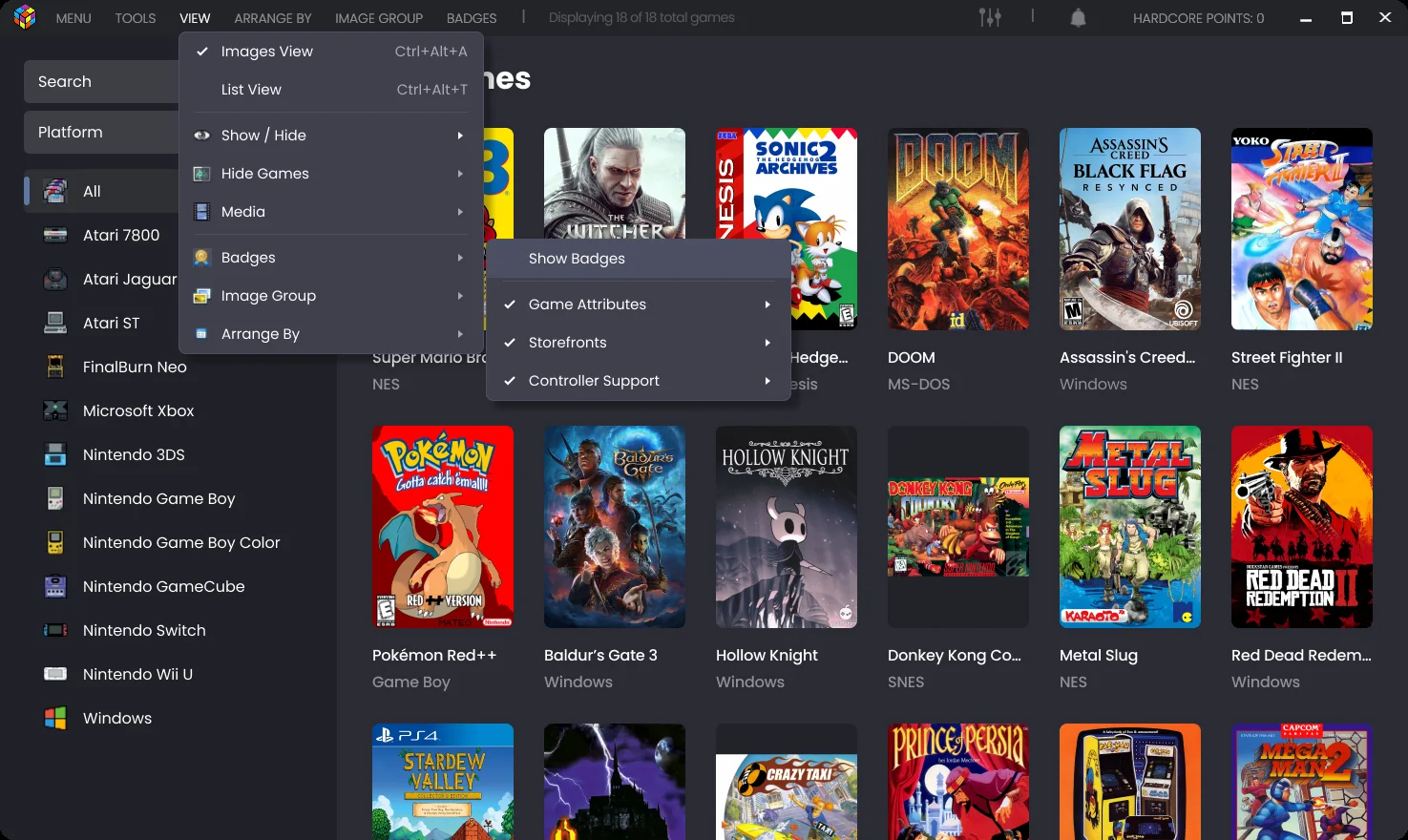
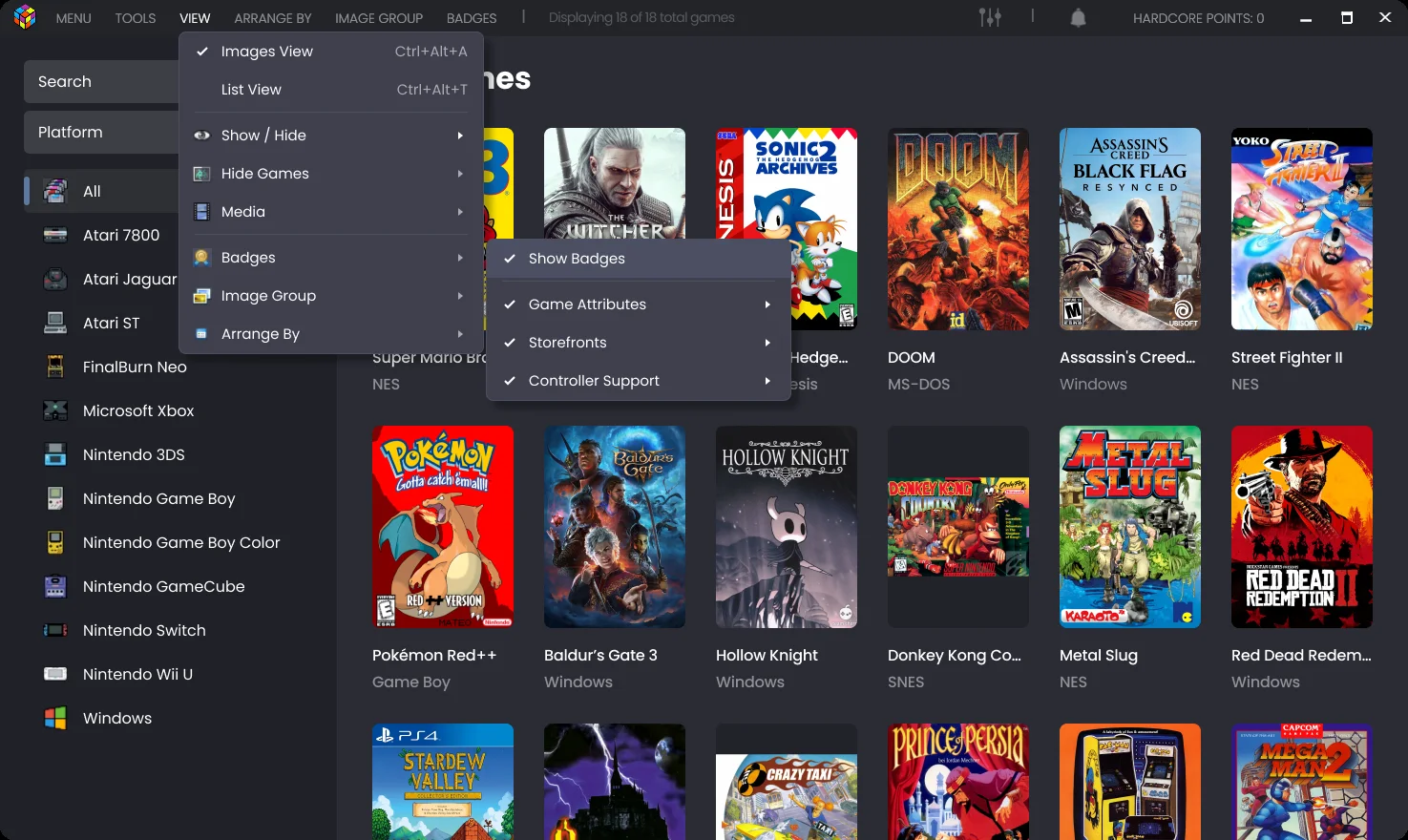
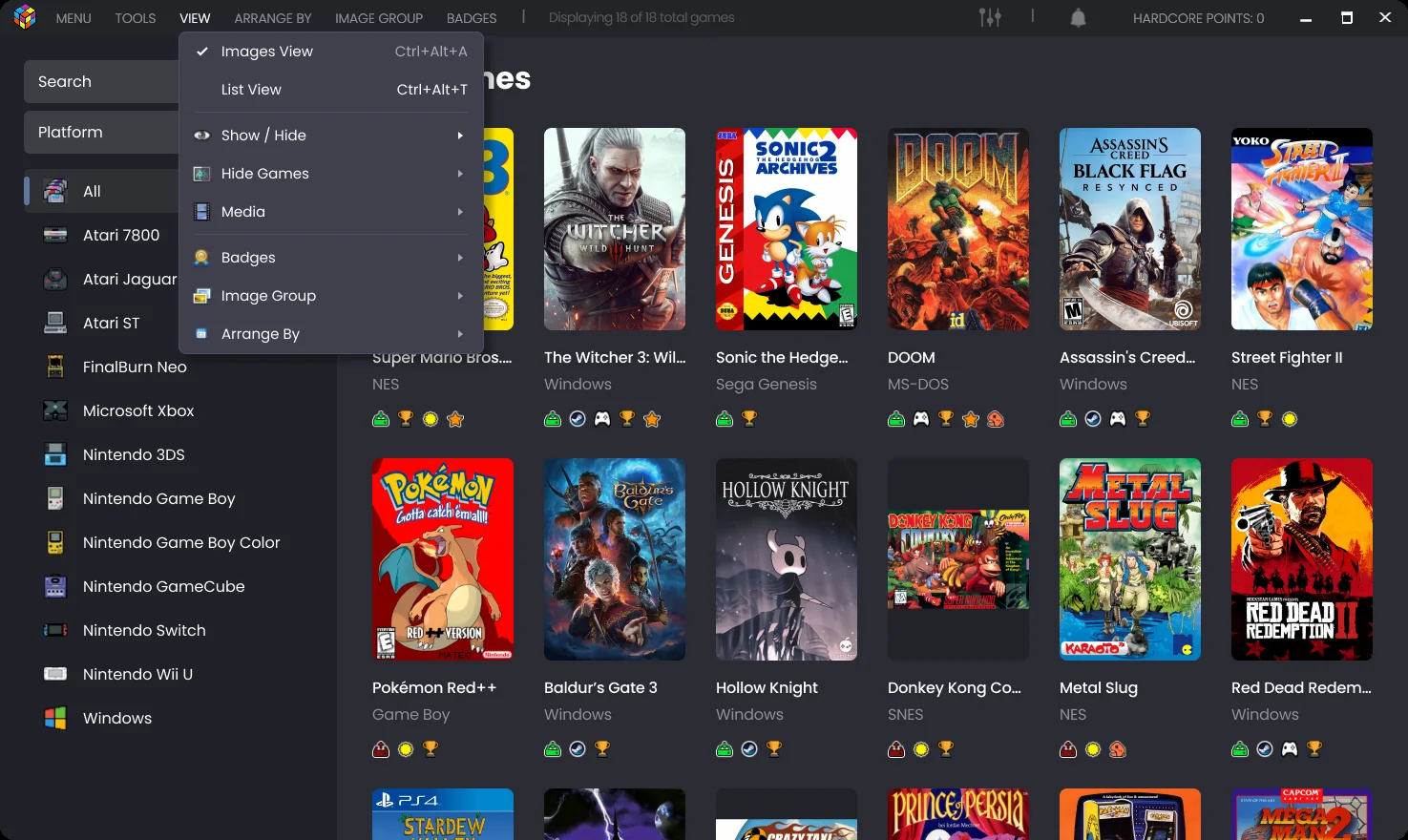
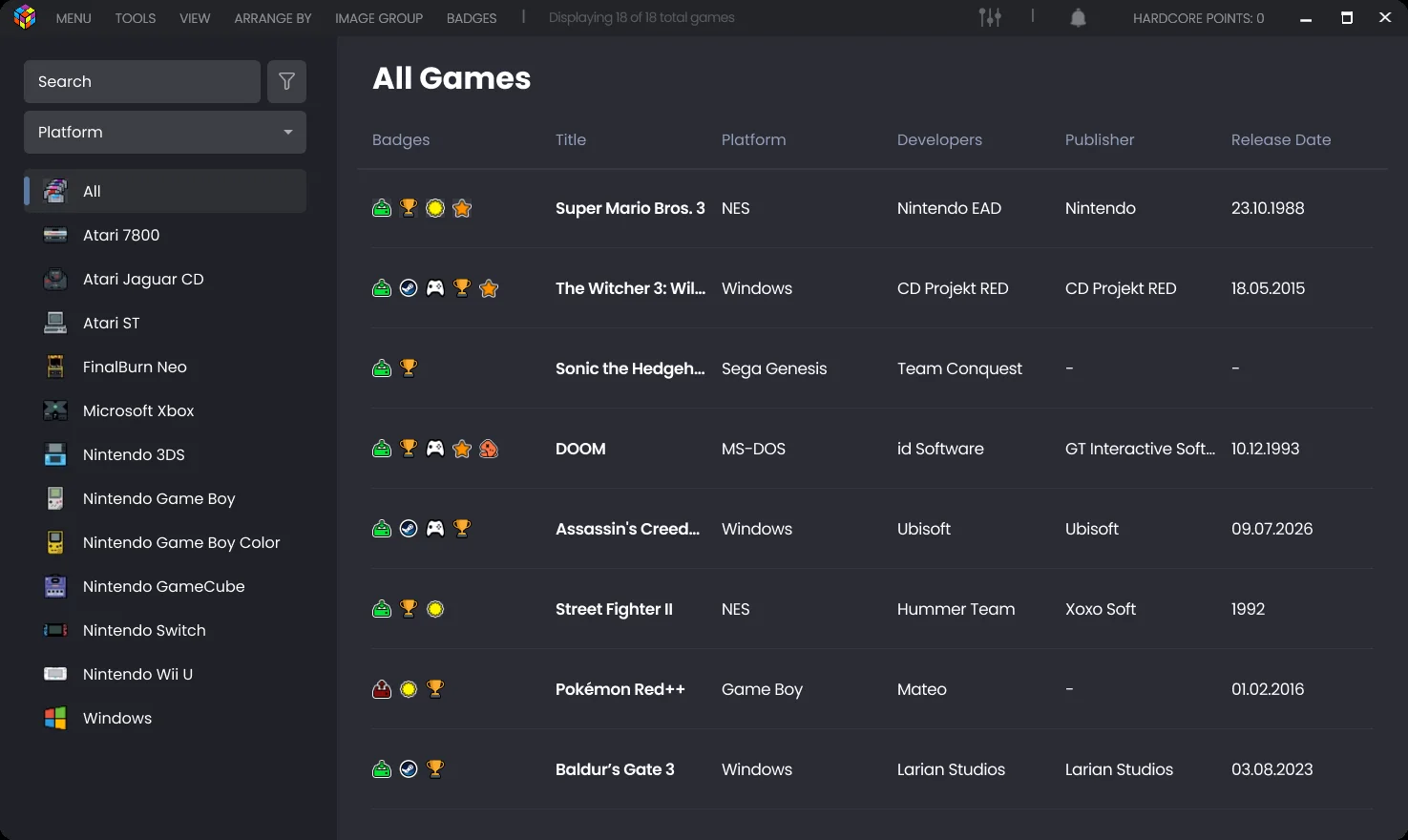
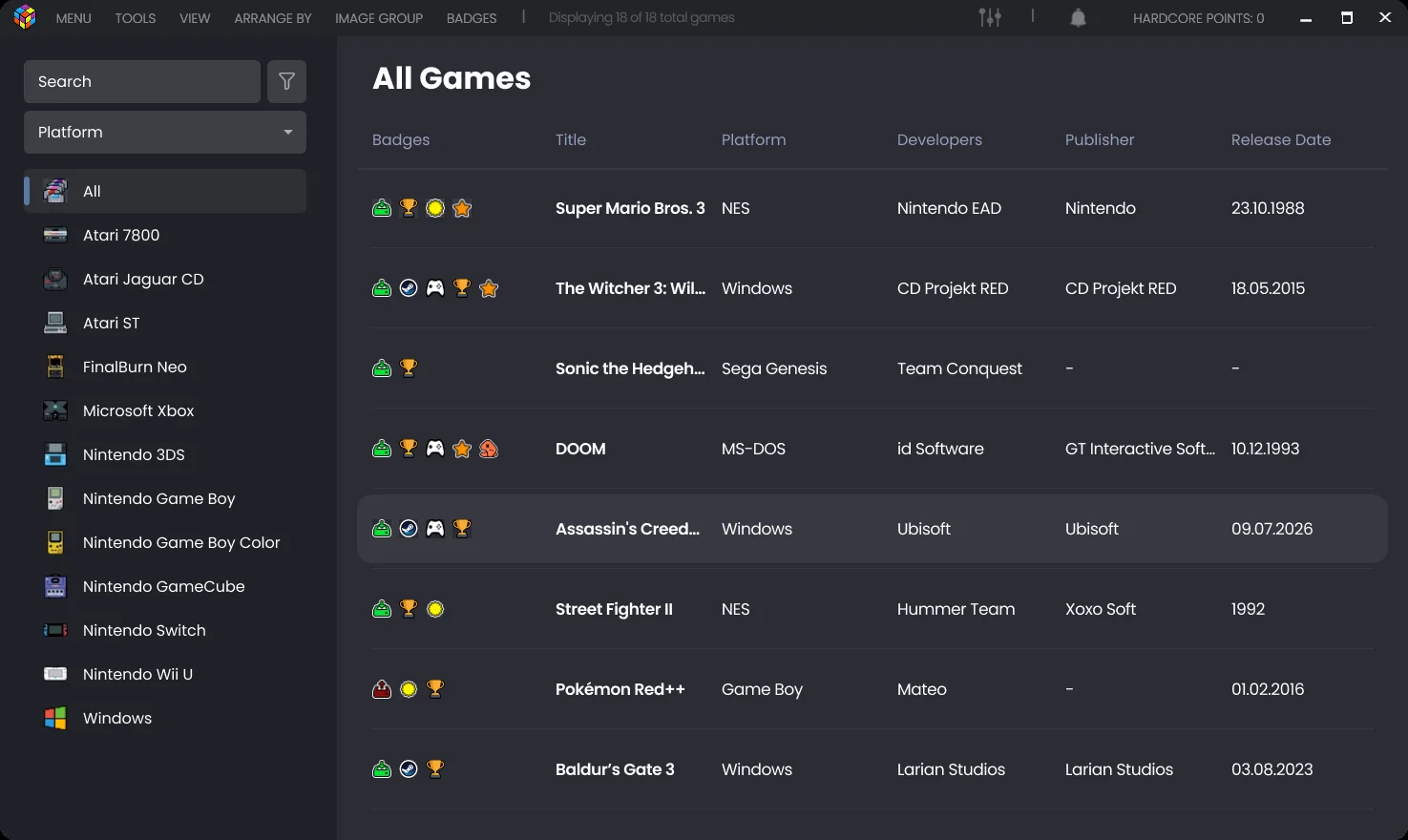
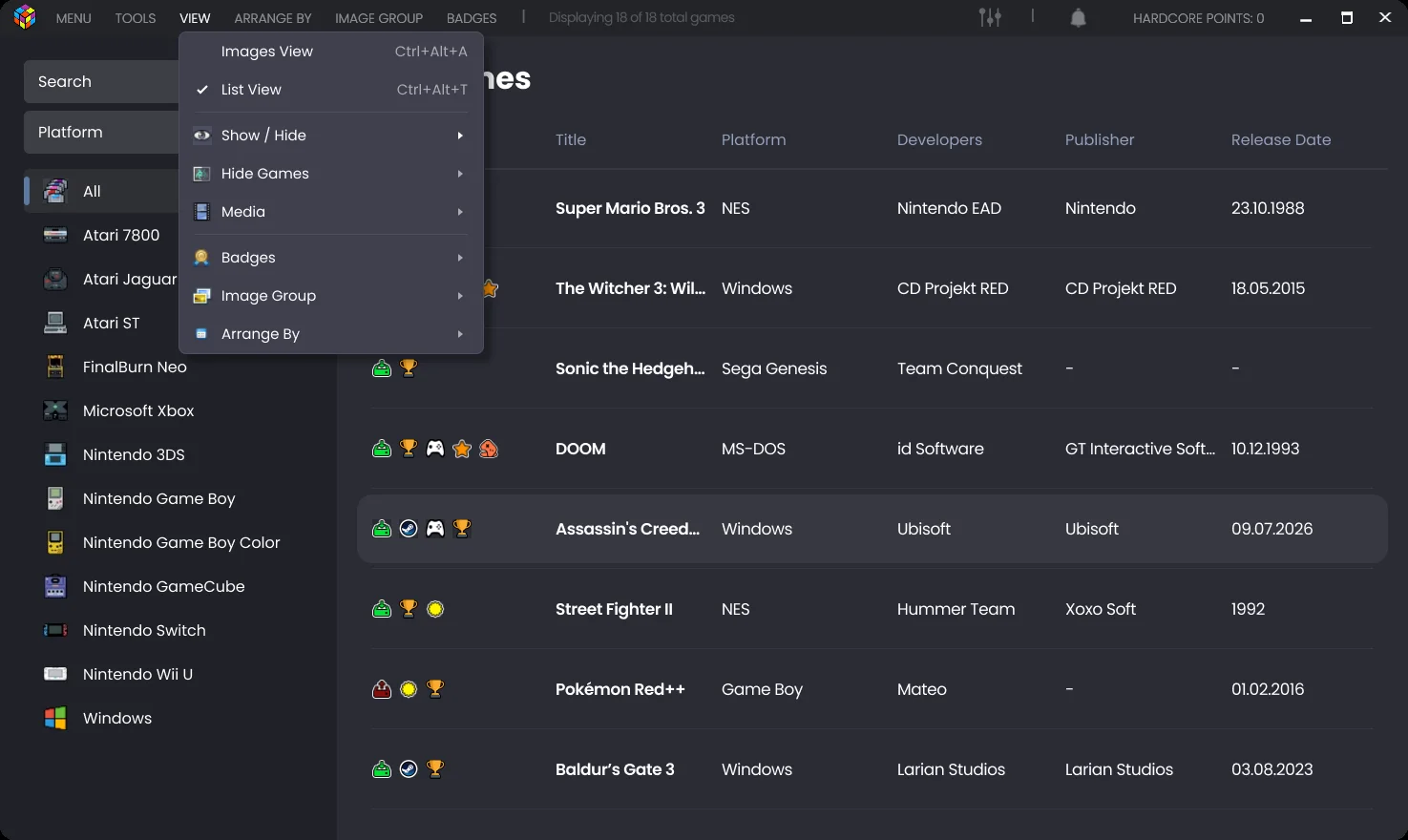
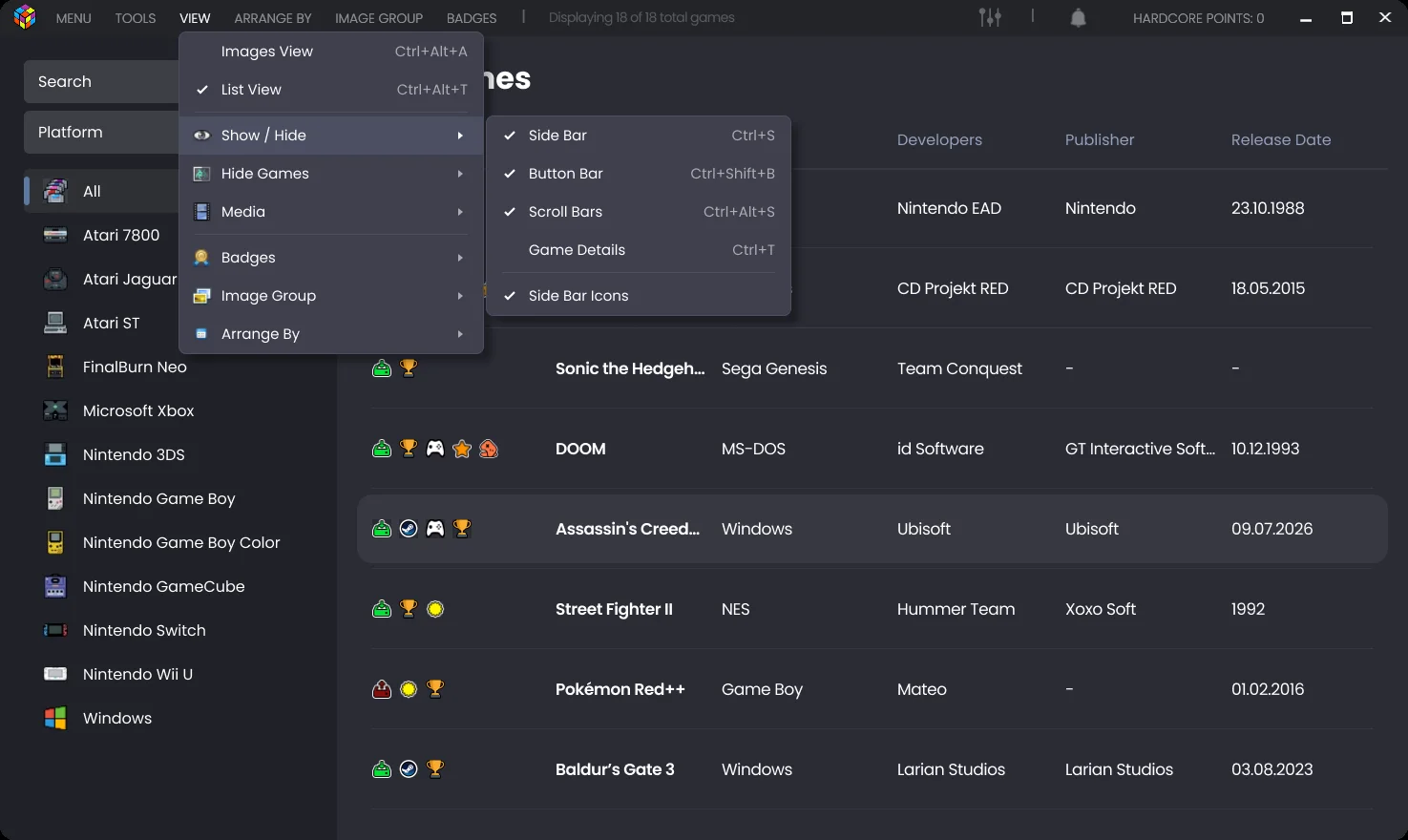
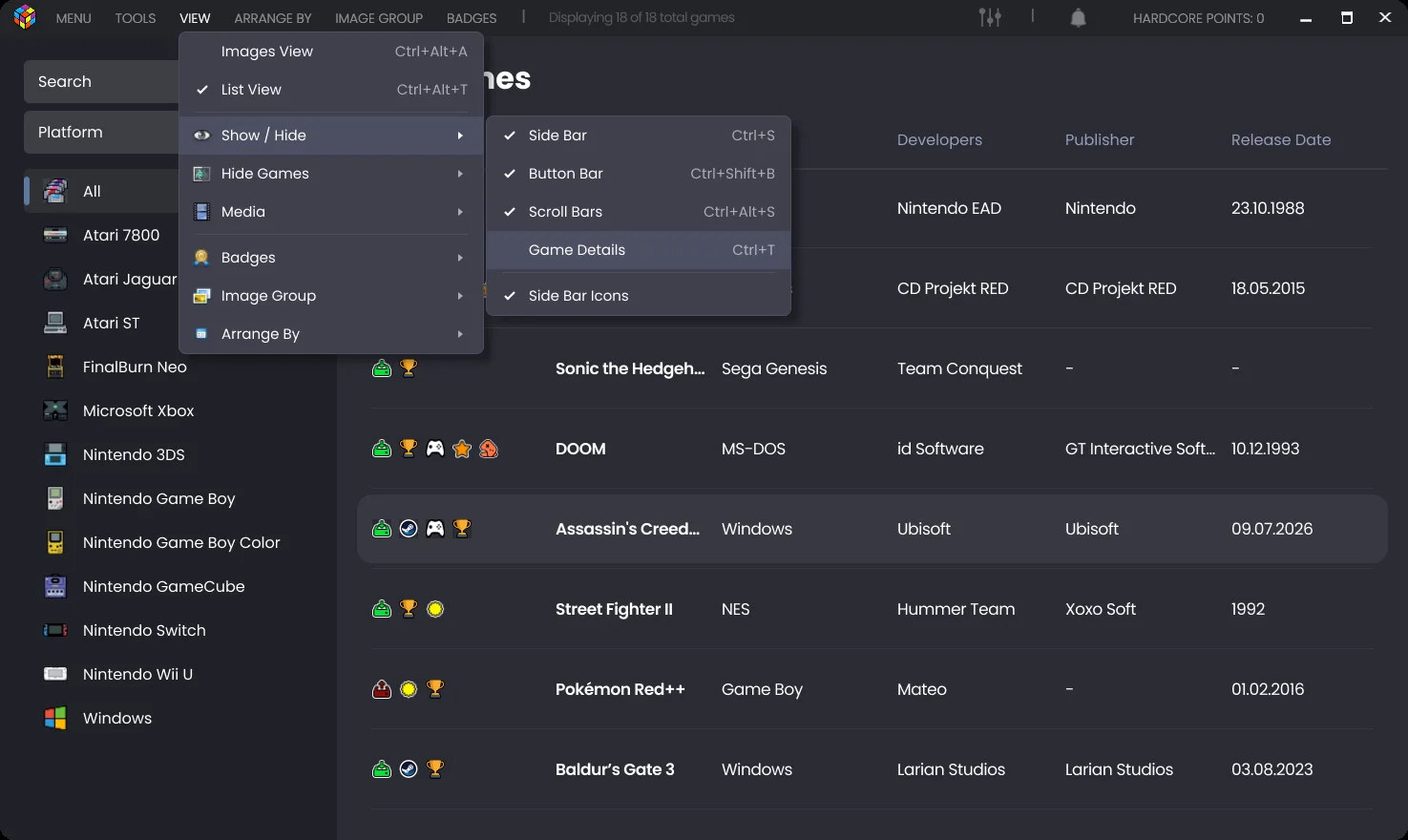
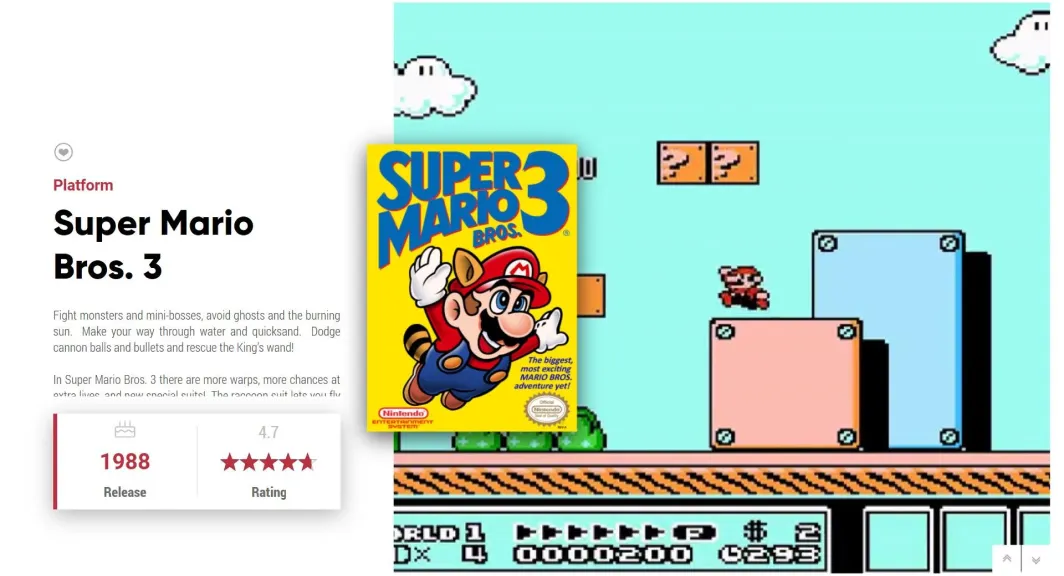
Pick grid, list or details view, then add badges, image types, your own fields and filters for any of them.

You Can Always Override It

Edit any field, add custom ones, or point a game at your own artwork. Nothing is locked to the database.

Find Anything in Seconds

Search, sort and filter by any field, from platform, genre and year to play time or one you made up.

Free Extras
That Feel Premium

Achievements, leaderboards, manuals and save backups are all in the free version.

  • RetroAchievements

    Signs you in automatically and shows your achievement progress in your library.

  • MAME High Scores

    Weekly to all-time leaderboards for thousands of arcade games.

  • Manuals & Magazines

    Open manuals, guides and old magazines right inside LaunchBox.

  • Automatic Backups

    Saves from RetroArch, Dolphin and PCSX2 back up to a local Vault on their own.

  • Save Version History

    Pick an older version to restore, and LaunchBox backs up the current save first.

  • Stats That Follow You

    Play time and progress sync between your installs, plus a history of play sessions.

Up and Running
in Three Steps

A guided setup walks you through storefronts, media and extras, one step at a time.

Download LaunchBox for Windows – free, with no trial and no time limit.

The setup wizard imports Steam, GOG or Epic, or scans a folder of ROMs and DOS games.

Art and metadata fill in automatically, and games launch straight from the library.

Step 1

Download & Install

Download LaunchBox for Windows – free, with no trial and no time limit.

Step 2

Point It at Your Games

The setup wizard imports Steam, GOG or Epic, or scans a folder of ROMs and DOS games.

Step 3

Just Play

Art and metadata fill in automatically, and games launch straight from the library.

Everything Above Is Free

Premium adds Big Box, custom fields and more for a single payment, with no subscription.

Premium

Your Library,
on the Big Screen

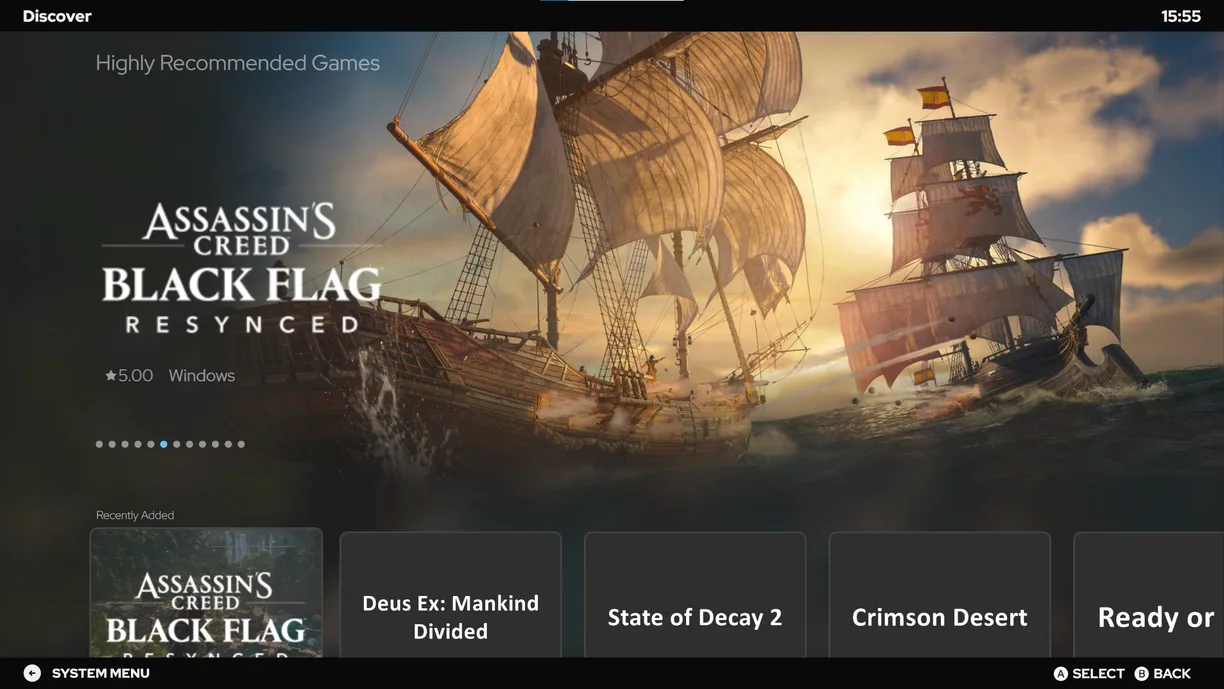
Big Box turns it into a 10-foot interface you can read from across the room, on a TV, an arcade cabinet or a handheld.

Get Premium with Big Box
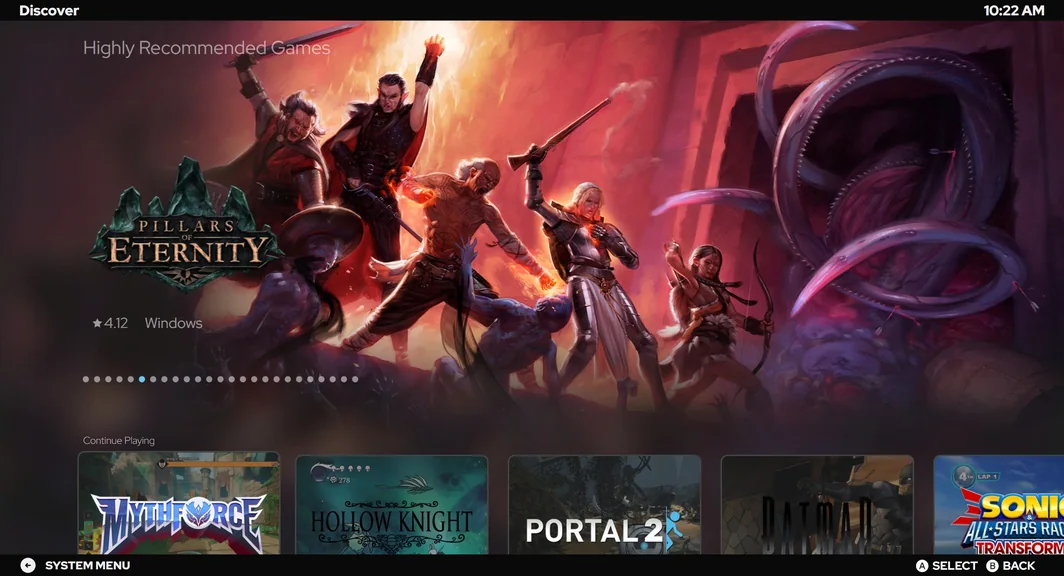
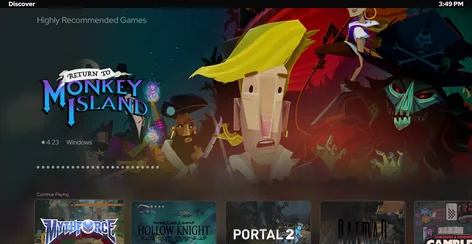
Big Box on a TV, showing the Discover screen of the Default theme with Assassin's Creed Black Flag Resynced among the highly recommended games

Try Big Box free in 30-minute sessions. Premium unlocks it for good.

Made for a Gamepad

Browse, filter and launch from across the room. Navigate your library with a gamepad or arcade controls.

Skinned to Match Your Setup

Choose from dozens of community themes, startup screens and layouts, or build your own.

Runs on Any Screen

Big Box fits the screen you play on, whether that’s a TV, an arcade cabinet or a handheld PC.

Arcade-Ready

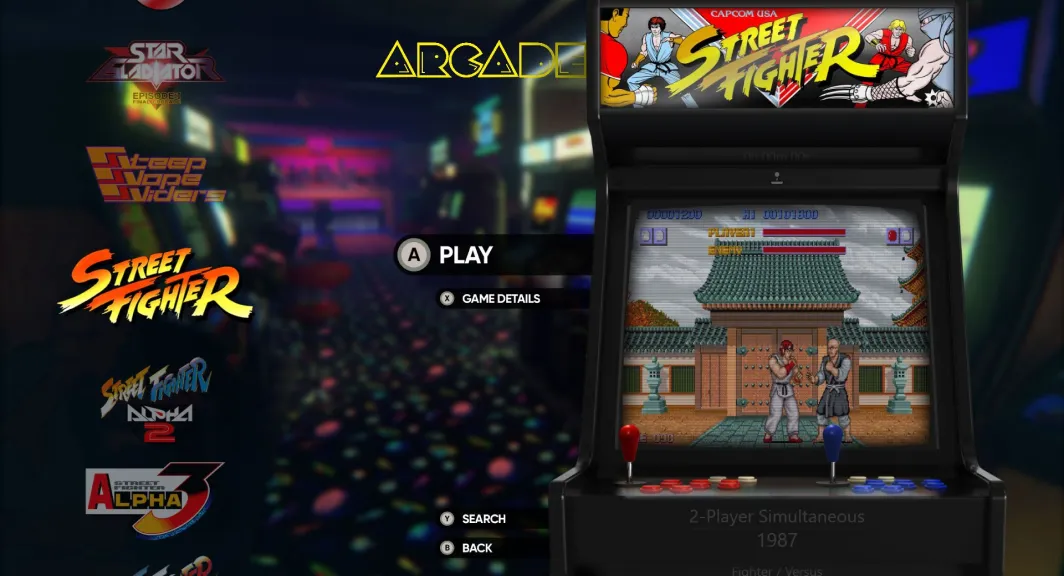
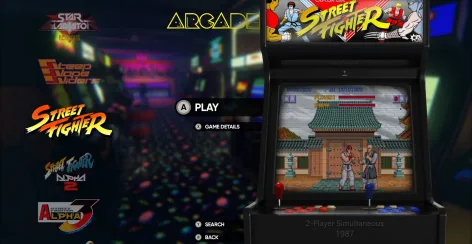
With controller automation, pause screens and a marquee on a second screen, you can leave the keyboard behind.

Premium

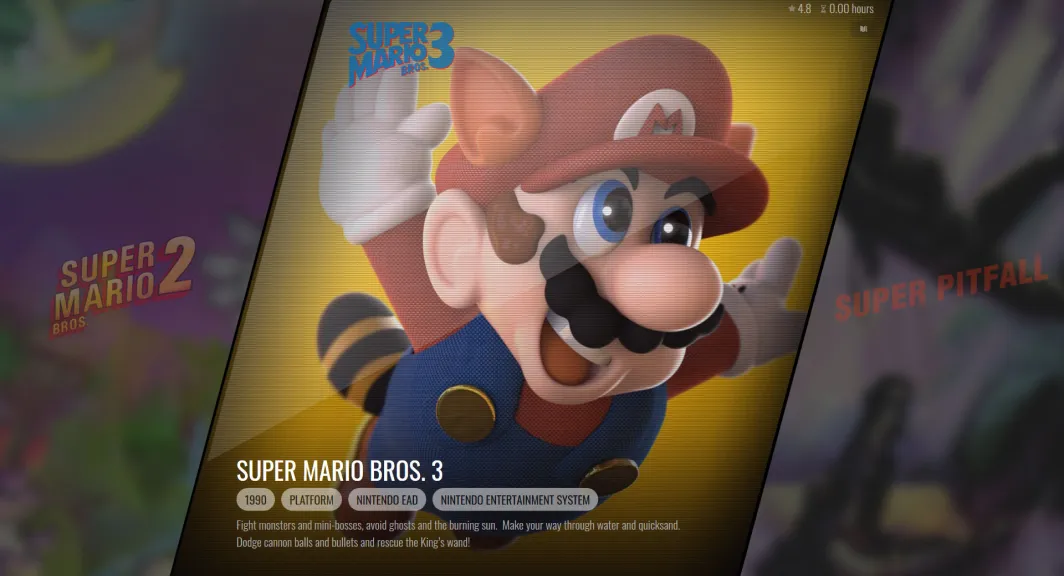
Themes, 3D Boxes and Startup Screens

Premium lets you make LaunchBox look the way you want, with a community theme or one you build from scratch.

Your Colors & Fonts

Pick accent colors, fonts and platform icons to match your setup.

3D Boxes & Badges

Spinning 3D cases and badges for completed, favorite and more.

Video Previews

Video previews for every game.

Startup Screens

Startup, shutdown and pause screens for every game.

StartupPauseShutdown

No Subscription

LaunchBox Is Free, and Premium Adds Much More

LaunchBox is free, with no trial and no time limit. Premium adds Big Box for your TV or arcade cabinet, plus themes and deeper customization.

See Pricing
Free$0 · No Trial, No Time Limit
RegularPremium + 1 Year of Updates
LifetimePremium + Updates for Life
14 DaysRefund Window

Frequently Asked
Questions

Everything you might want to know before you download.

Is LaunchBox an Emulator?

LaunchBox organizes and launches your games. It works with emulators, DOSBox and PC game storefronts, bringing them together in one library.

Are Games Included?

LaunchBox is a launcher for your own collection. Games are not included with LaunchBox or Premium.

What's the Difference Between LaunchBox and Big Box?

LaunchBox is the desktop interface for organizing and launching your games. Big Box is the full-screen interface included with Windows Premium, designed for TVs, arcade cabinets and controller navigation.

Does It Work With a Controller?

Big Box is designed for gamepad and arcade controls, so you can browse and launch your games from the couch.

Can I Move My Library to Another PC?

LaunchBox for Windows is portable. When moving your library, bring your games, emulators and media with it, and update any paths that point outside your LaunchBox folder.

Is LaunchBox Free to Use?

LaunchBox for Windows is free, with no trial and no time limit. Premium unlocks additional features.

Do Windows and Android Need Separate Licenses?

Windows and Android Premium licenses are separate. Visit the pricing page to compare the available options for your platform.

Can I Try Big Box Before Buying?

Yes. The free version of LaunchBox for Windows includes an unlimited free trial of Big Box, in 30-minute sessions. You can’t launch games or change themes in the trial, but you can see if Big Box is right for you before buying Premium.

Can I Use It on an Arcade Cabinet?

Yes. Big Box is made for TVs, arcade cabinets and handhelds and works with arcade controls. Premium adds controller automation, pause screens and marquee support for a second screen.

Is Big Box Included in Premium?

Yes. Big Box is included with LaunchBox Premium for Windows, with both the Regular and the Lifetime license. You pay once, with no subscription.

Didn't Find What You Were Looking For?

Visit Help & Support